Connectivity
Wi-Fi
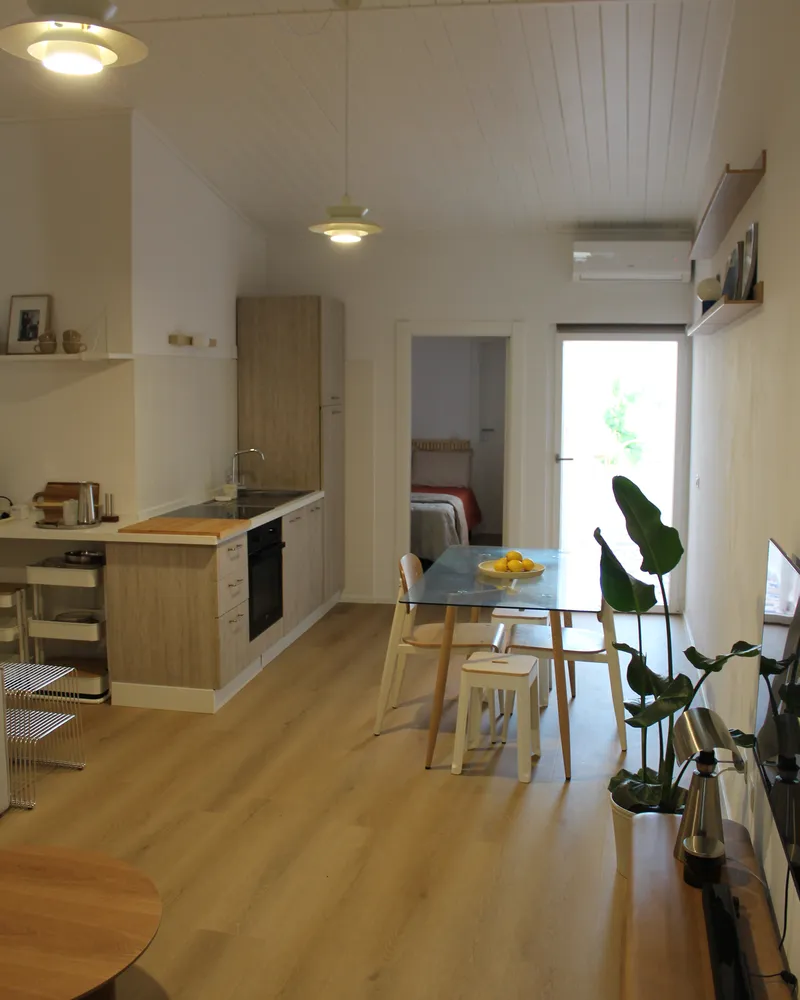
Fast fibre throughout the house and on the terrace. Here's everything you need to get online.
There's fast fibre across the whole house and out onto the terrace. The network details are below — connecting takes only a few seconds.
NetworkCasaMiuda
Passwordseabreeze2026
Placeholder details — replace with the real network name and password.
Connecting
-
Open Wi-Fi settings
On your phone or laptop, go to Settings → Wi-Fi and make sure it's switched on.
-
Pick the network
Choose CasaMiuda from the list of available networks.
-
Enter the password
Type the password exactly as above — it's case-sensitive — and tap Join.
-
You're online
If a page asks you to sign in, you're already connected — just start browsing.
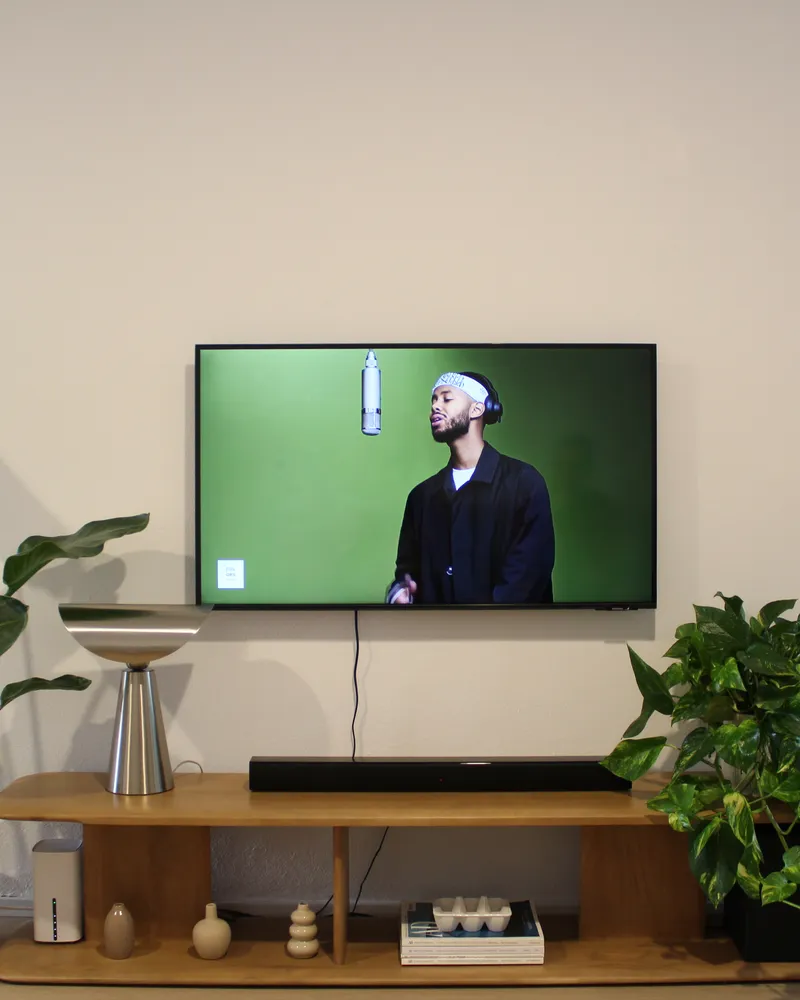
Faster from the couch. The router is in the living room; if a video buffers, move a little closer or use the 5GHz network if your device offers it.
Can't connect? Try turning Wi-Fi off and on, or restart the router (the white box in the living room). Still stuck — team@nudoandcrudo.com.